Other
• Crie seu primeiro jogo na Godot 4: https://www.udemy.com/course/g....odot-4-crie-seu-prim
Esse vídeo reúne as 19 aulas do nosso curso "Começando na Godot 4", onde aprendemos o básico da Godot 4 e de seu linguagem de programação GDScript :)
• Se quiser assistir às aulas separadamente: https://www.youtube.com/playli....st?list=PLzjwaizNOg6
• Baixe a Godot: https://godotengine.org/
• Link dos assets: https://github.com/GabrielChia....relli/assets-do-curs
=== == ===
🎮 Meus cursos de Criação de Jogos e Programação:
• Crie um Jogo de Luta de Rua (Beat'em Up) na Unity: https://www.udemy.com/course/j....ogo-de-luta-de-rua-n
• Crie seu primeiro jogo na Godot 4: https://www.udemy.com/course/g....odot-4-crie-seu-prim
• Aprenda a criar um jogo de Plataforma 2D na Unity: https://www.udemy.com/course/u....nity-crie-um-jogo-de
• Crie um Jogo FPS Retrô na Unity: https://www.udemy.com/course/a....prenda-a-criar-um-jo
• Crie o seu primeiro jogo na Unity 2D: https://www.udemy.com/course/u....nity-2d-aprenda-a-de
• Crie um Jogo Top-Down Shooter 2D na Unity: https://www.udemy.com/course/c....rie-um-jogo-top-down
• C# - Primeiros Passos | Aprenda a programar do zero: https://www.udemy.com/course/c....-sharp-primeiros-pas
=== == ===
• Apoie o canal no Apoia se: https://apoia.se/desenvolvendojogos
Um agradecimento especial para Alice Matoso, por apoiar o canal no Apoia se :)
=== == ===
Timestamps/Capítulos das aulas:
00:00:00 - Introdução
00:04:47 - Aula 01
00:10:15 - Aula 02
00:15:40 - Anúncio do curso "Crie seu primeiro jogo na Godot 4"
00:16:59 - Aula 03
00:38:48 - Aula 04
00:45:13 - Aula 05
01:12:03 - Aula 06
01:17:01 - Aula 07
01:21:05 - Aula 08
01:25:42 - Aula 09
01:47:45 - Aula 10
02:06:44 - Anúncio dos meus cursos de Unity na Udemy :)
02:07:36 - Aula 11
02:24:39 - Aula 12
02:43:10 - Aula 13
03:00:11 - Aula 14
03:12:43 - Aula 15
03:30:55 - Aula 16
03:48:14 - Aula 17
04:05:56 - Aula 18
04:44:59 - Aula 19
05:28:37 - Anúncio do curso "Crie seu primeiro jogo na Godot 4"
=== == ===
O canal Desenvolvendo Jogos tem como intuito trazer Cursos e Tutoriais Gratuitos sobre Desenvolvimento de Jogos. Procuro fazer todas as aulas sempre explicando o passo a passo de tudo o que faço, para que consigamos, não apenas fazer um jogo, mas também entender o porquê de estarmos fazendo o que estamos fazendo :)
Se quiser ajudar a manter o projeto vivo (e se puder, é claro), você pode fazer isso através da compra de nossos Cursos Pagos e/ou através de nossa Campanha de Financiamento Coletivo no Apoia.se!
E mesmo que seja apenas com seu Like e Compartilhamento, já agradeço imensamente o apoio 😄
#DesenvolvendoJogos #unity #criacaoodejogos
"A verdadeira felicidade está em ver e fazer o outro feliz!" & "Sorria hoje, você merece ser feliz!"

HolyOS is my attempt at building a fake but functional '90s-style OS in Godot. I’ll show how I used Control nodes to create an instant messaging client, an email client, and a file explorer. I will also show the pipeline for the custom theme and animated cursor. To wrap up, I’ll discuss other quirks of making a fake OS feel real, as well as unresolved issues like drag-and-drop previews.
HolyOS is the fake operating system used in In Good Faith (Steam)
---
Davide Di Staso: Game jams researcher, self-taught programmer, pixel artist, and UI designer. Developed the Hathora Godot plugin and SDK. Working on "In Good Faith", where you play as the Pope's secretary.
New to Game Development and want to learn how to create a 2D platformer in Godot? Let's dive right in! In this video, I will show you how to make a 2D character controller with an easy-to-make moveset. I will show you how to make your player walk, run, jump, wall jump, and a small bonus move in the end. I will also add a way to make the camera smoothly follow your player around without too much hassle. Perfect for those new to Godot and looking to learn GDScript!
▶ Assets:
https://jumpbutton.itch.io/girlknightasset
https://cainos.itch.io/pixel-a....rt-platformer-villag
▶ Full code + animations:
https://pastebin.com/KQUfT5Ss
▶ Check out how to make animations in 2D:
https://youtu.be/-f1bHR0iiEY
-----------------------------------------
🕒 TIMESTAMPS
00:00 - Intro
00:28 - Project Setup
01:34 - Character Scene
03:05 - GDScript Template
05:49 - Actions
06:49 - Walking
07:46 - Deceleration
09:09 - Acceleration
09:45 - Running
10:45 - Variable Height Jump
12:06 - Wall Jump
13:10 - Smooth Camera
14:17 - Bonus Move
16:56 - Outro
#godot #tutorial #2dplatformer #gamedev #programming

🤯 Join Coco Code members: https://youtu.be/oHKdS2oN6gk
🎁 Get finished Unity project: https://www.patreon.com/posts/90200858?s=yt
Time to take a look at the UI system in Godot game engine! You will learn how to create panels, labels, progress bars and buttons. I will even show you a simple way to change text on the scene based on player input!
Download Godot: https://godotengine.org/
--------------------------------------------------------------------------------
🔗 LINKS IN THIS VIDEO:
Game icons: https://game-icons.net/
Google fonts: https://fonts.google.com/
Godot documentation: https://docs.godotengine.org/en/stable/
--------------------------------------------------------------------------------
👨💻 SOCIALS:
💜 Join our Discord: https://discord.gg/hNnZRnqf4s
🔵 Follow me on Twitter: https://twitter.com/CocoCodeYT
--------------------------------------------------------------------------------
Icon used in the video made by Delapouite. Available on https://game-icons.net
--------------------------------------------------------------------------------
🎓 YOU WILL LEARN:
- How to use Godot game engine
- How to create button in Godot
- How to add text in Godot
- Hot to create responsive UI in Godot
- What are different UI components in Godot
- How to create a label in game
- How to change Godot window scale
- How similar UI components to UI looks like
--------------------------------------------------------------------------------
⚙️ VIDEO CHAPTERS:
0:00 - Intro
0:28 - New Godot project
1:06 - First steps in the editor
1:47 - Create Panel
5:08 - Create Image
8:10 - Create Text (label)
9:24 - Create Progress bar
10:46 - Slider
11:35 - Run your project, window resize settings
13:04 - Button logic
Join this channel to get access to perks:
https://www.youtube.com/channe....l/UCe4aGb2Se9ZWb_PFA
In this video we take a look at which game engine is best, once and for all!

Fala pessoal!
E hoje, de volta, com o FEITOS NA GODOT, trazemos 6 INCRÍVEIS feitos na Godot para te inspirar a criar seu jogo! Confira a lista e deixa nos comentários o projeto que você mais gostou!
E para aumentar o crescimento e apoiar cada desenvolvedor deixamos aqui embaixo link para cada jogo, confere e dá uma moral para a galera que tanto tem se esforçado.
Link dos Jogos:
01 Toward Daw
https://store.steampowered.com..../app/3140160/Toward_
02 Fadin Serenades
https://store.steampowered.com..../app/3644970/Fading_
03 Intrepid
https://store.steampowered.com/app/992860/Intrepid
04 Anode Heart
https://store.steampowered.com..../app/3068670/Anode_H
05 Amaya
https://johngabrieluk.itch.io/....amaya-maiden-of-the-
06 Wild Cosmos
https://store.steampowered.com..../app/3051070/Wild_Co
CONTROLE QUE USO NAS LIVES:
Controle Wireless 8BitDo - Ultimate C (Roxo) - 81HC01: https://amzn.to/3vAUtc7
MICROFONE
HyperX Microfone Gamer QuadCast:
https://amzn.to/3xe2dRM
E se você puder considere apoiar nosso trabalho através da chave PIX:
clecioespindola@gmail.com
E ainda pode nos ajudar seguindo nossas redes sociais:
Instagram: https://www.instagram.com/clecioespindola/
X: https://twitter.com/clecioespindola
Discord: https://discord.gg/fr8D8atPmm

Hoy vamos a ver cada nodo 2d de Godot 4 explicado por partes, para que te familiarices mas con el motor.
Unete a mi discord:
https://discord.gg/jeQ7pfwymR
Musica de PVZ por:
Laura Shigihara
https://www.youtube.com/channe....l/UCaYNVIORCDQ30YKHl
#godot #godot4 #godottutorial

►︎ *Discord:* https://discord.gg/bQTPTc5Qrt
► *Ko-fi:* https://ko-fi.com/fourgames
► *GitHub Source Code:* https://github.com/FourGames/FourGames
► *Games:* https://store.steampowered.com/publisher/FourGames
*Chapters:*

Using godot and blender I recreated the 3D pixel art style made popular by @t3ssel8r. I take you through all of the steps I took to get there.
Discord:
https://discord.gg/89egkguXqZ
Buy me a coffee:
https://buymeacoffee.com/dylearn
Toon Shader:
https://godotshaders.com/shade....r/flexible-toon-shad
Outline Shader:
https://godotshaders.com/shade....r/3d-pixel-art-outli
0:00 - intro
0:30 - godot engine
1:28 - camera projection
2:18 - pixels
2:37 - stepped lighting
3:03 - edge highlights
4:18 - 3D models in blender
5:44 - creating the grass
6:52 - outro

►︎ *Discord:* https://discord.gg/bQTPTc5Qrt
► *Ko-fi:* https://ko-fi.com/fourgames
► *GitHub Source Code:* https://github.com/FourGames/FourGames
► *Games:* https://store.steampowered.com/publisher/FourGames
*Chapters:*

Hello! This is a tutorial on how to make a PS1 / PSX style shader in Godot 4. Specifically, I show how to make a post-processing shader and an object shader. This type of effect has been getting more popular in indie games recently, such as Mouthwashing and Ultrakill. Here's a link to the git repository containing the project's source code: https://github.com/DevPoodle/y....t-example-projects/t
Here's the bayer matrix (so you can copy and paste it into your code):
const mat4 bayer_matrix = (1.0 / 16.0) * mat4(
vec4(0.0, 8.0, 2.0, 10.0),
vec4(12.0, 4.0, 14.0, 6.0),
vec4(3.0, 11.0, 1.0, 9.0),
vec4(15.0, 7.0, 13.0, 9.0)
) - 0.5
Thanks for reading the description and thanks for watching the video.💖

Fala pessoal!
Hoje iniciamos efetivamente nossos estudos na Godot 4.0, e nada melhor do que estudar fazendo nosso clássico jogo de plataforma 2D.
Será uma série bem extensa, mas quero, através da didática que vocês já conhecem mostrar o potencial da Godot e como vocês podem criar seu jogo de plataforma 2D na Godot 4.0!
Então, sem mais, já deixa aquela meia-lua e like e vamos para o vídeo!
Assets do projeto:
https://grafxkid.itch.io/
E se você puder considere apoiar nosso trabalho através da chave PIX:
joseclecioespindola@hotmail.com

I QUIT GameMaker! Big Life Update & Why I Switched to Godot
Hey everyone! It’s been a while—last December I packed up in Estonia and moved to Thailand. After juggling GameMaker projects for years, I finally hit burnout and decided to rebuild everything in Godot.
In this video I cover:
Why I stopped using GameMaker
What made Godot click for me
Previews of Doomed Memories, Voxel Racer, Bear Runner, Drish II and The Prism
A bit about life in Thailand and what’s coming next
Let me know in the comments which game you’re most curious about, or if you’d like more Thailand updates. If you want to follow along, feel free to subscribe—I’ll be posting regular dev‑logs and behind‑the‑scenes clips.
Instagram: https://www.instagram.com/loovgames_/
Music used:
Jungle Waves by DIMMYSAD
Stylish Chill by Oleksandr Stepanov
#GameDev #Godot #GameMaker #IndieDev #Thailand
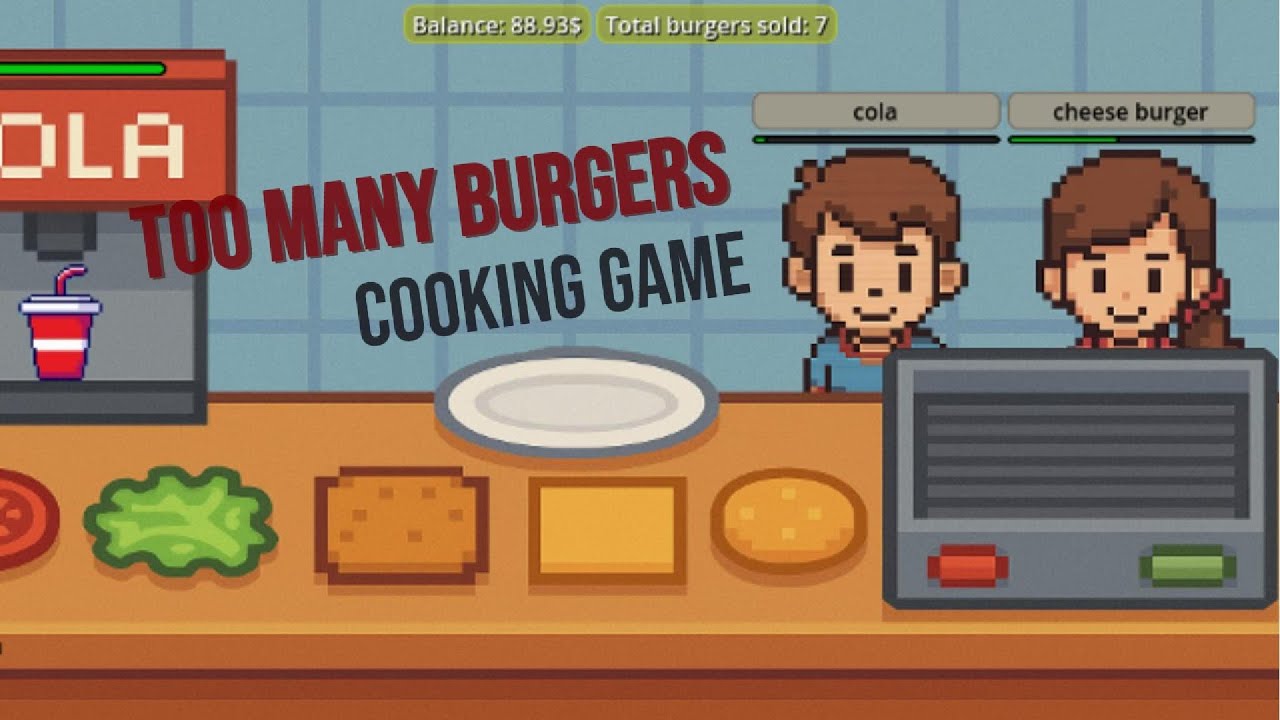
This is a quick walkthrough of how i made this game, if you're interested, leave a comment so that I make a more detailed step by step tutorial on how to make a game like this one!
I MADE A FAST FOOD BURGER COOKING GAME IN GODOT AT 2 AM, BECAUSE I WAS HUNGRY.
In this video and for the first time, I made a 2d cooking game, I have never made a 2d game before, so this was my first one, and I will say it, I kind of like making 2d games, it's really easy and simple, but I still hate and find it so difficult to create art for my games, but hey, this game is just made for fun!
And I always find it really exciting to learn new ways to make games!
PS: Sorry for disappearing for a while, I really appreciate your love and support, and of course I still enjoy making games and sharing my experience and knowledge with you all.
-- Download The Game --
The game is available to download for windows, And playable in browser
https://pierre-codes.itch.io/too-many-burgers
#indiegamedevlog #space #challenge #oneweekchallenge #gamedev #game #simulator #godot #itchio #games #indiegamedev #godotengine #godot4
Chapters:
0:00 Intro
0:23 Setup
1:06 Coding
3:00 Finishing touches
3:38 Outro

Pro e contro sul usare GODOT Engine
---------------------------------------------------------------------------------------------------
💚Supporta il canale con https://ko-fi.com/endritdev 💚
---------------------------------------------------------------------------------------------------
Instagram: @endritdev
Twitch: @endritdev
TikTok: @endritdev
Itch.io: https://endritdev.itch.io
---------------------------------------------------------------------------------------------------
#endritshub #endritdev #gamedev #godot #godotengine #godot4 #godot3 #godotitalia #indiedev #indiegame #giochi #videogiochi #crearegiochi #creation #creativita #opensource #gratis #2d #3d #gdscript #pros #contro
Discord: https://discord.gg/KXS5FG797F
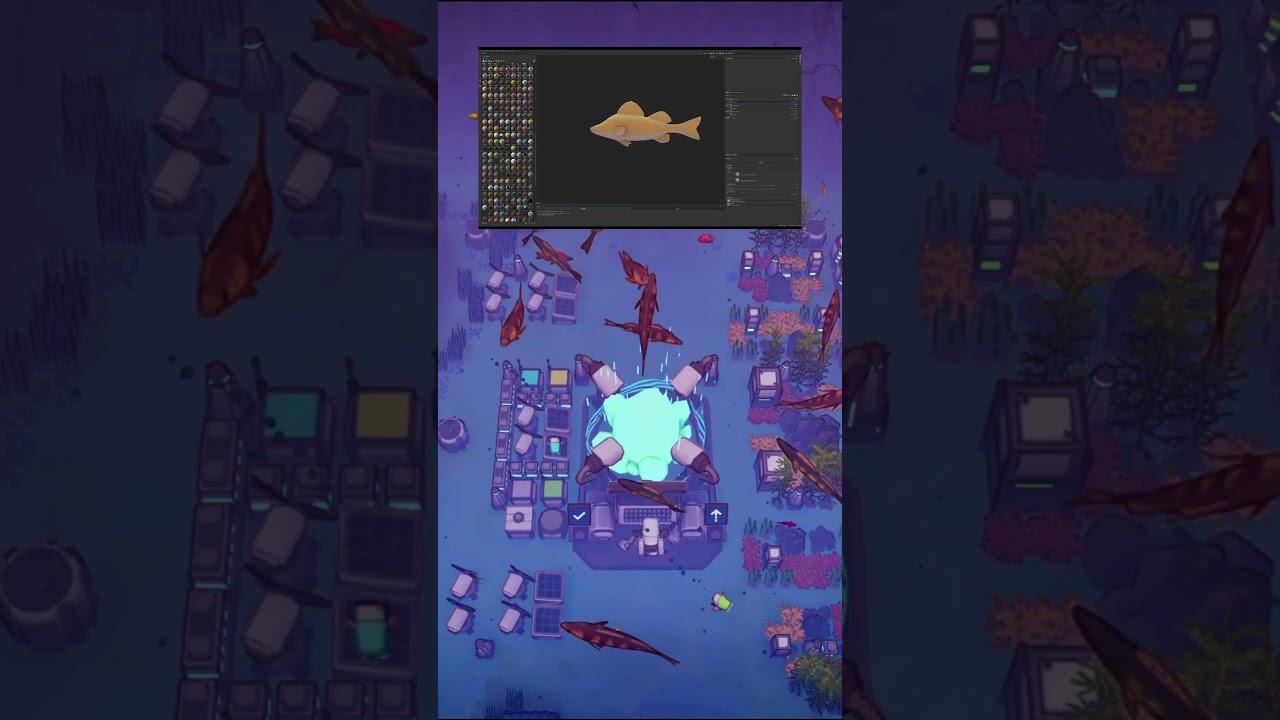
I'm making a game in the Godot game engine about clearing pollution from the ocean and building a coral reef. The game is best described as a city builder or a colony game. If you enjoy either of those genres feel free to follow and leave your feedback in the comments.
Music Credits:
Stellar Descent - State Azure
https://stateazure.bandcamp.co....m/album/stellar-desc
https://creativecommons.org/licenses/by/4.0/
#godot #godotengine #devlog #gamedevblog #solodev #managementgame #colonygame #simulationgame #indiegame

Want to build your own 2D pixel art action RPG in Godot 4? Start here!
In this first video we'll start building a 2D action RPG Character from the ground up using Godot 4. This series is perfect for you if you’re already familiar with basic programming concepts (like variables, functions, and control flow) but new to Godot 4.
You'll learn how to:
- Set up Godot 4 and navigate its interface
- Configure your project for pixel-perfect visuals
- Create your first character using CharacterBody2D
- Add sprite graphics and basic movement with GDScript
- Navigate Godot's scene system and use its composition to your advantage
- Use Godot’s official documentation
By the end of this first lesson, you'll have a playable character moving around the screen. In future videos we'll set up animations, collisions, and combat.
Thanks for watching my video! If you found this video helpful, please consider donating to support future content: https://www.paypal.com/biz/profile/uheartbeast
If you are interested in taking a deeper dive into the Godot game engine you can buy my course here: https://www.heartgamedev.com
Download the resources for this series here: https://github.com/uheartbeast..../youtube-action-rpg/
Thank you all so much for your support!

Si quieres hacer un juego que tenga muchas animaciones y no quieres sufrir las maquinas de estado son tu mejor opción y sabes que es lo mejor que en este vídeo te lo explico de la forma mas sencilla posible.
Únete a mi Discord y charlemos
https://discord.gg/jeQ7pfwymR
Canal secundario
https://www.youtube.com/@UCPRPbygoVeQ7_Bn6ynnmGeA
Conviértete en miembro y obtén grandes beneficios
Gracias por ver.
#gamedev #godot #tutorial #programming
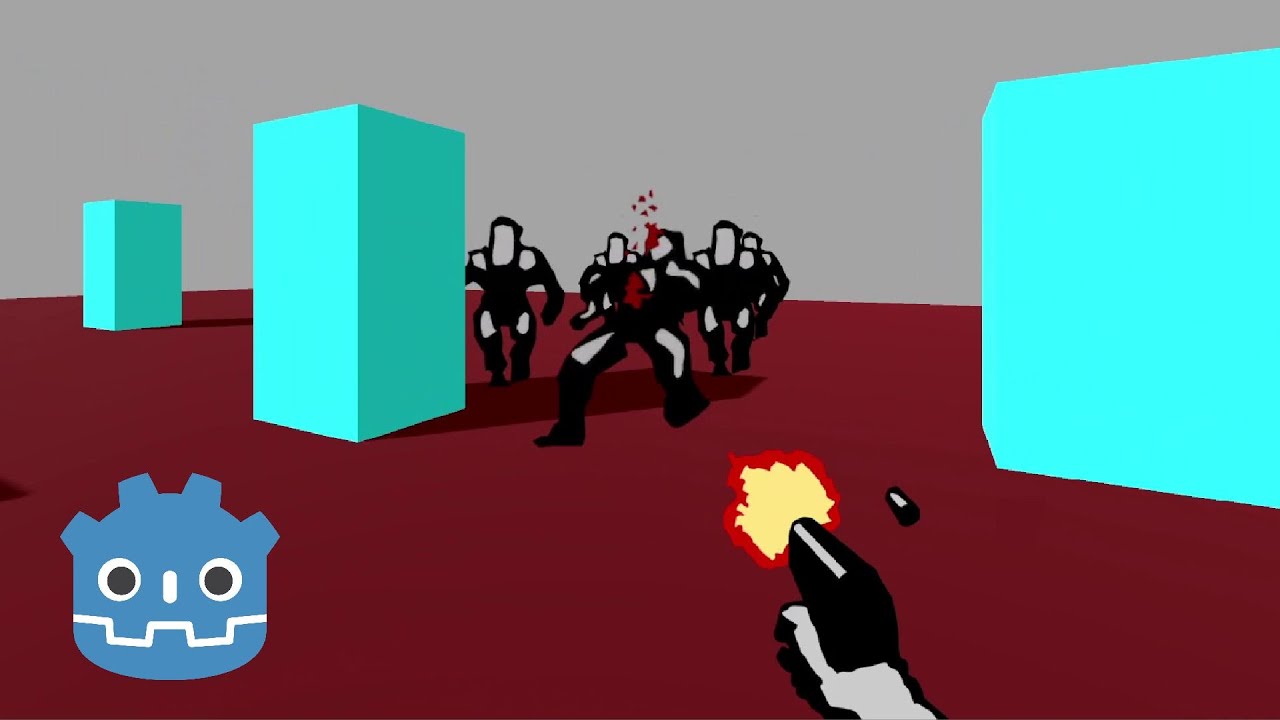
assets: https://nartier.itch.io/godotdoomcloneassets
password: miz
course: https://www.udemy.com/course/h....ow-to-make-a-retro-s
coupon: 3BE353F93CA462D3C2B6

This is a quick overview of some of the art processes we used to create the visual style for a 3D cell shaded 80's anime rogue like drafting game. Some things we'll cover.
-Visual shader editor for VFX, Environment and cell shading
-Modular characters from blender
-Reducing frame rate per asset intentionally to create that 2d Look
---
Shane Denhardt & Kiril Pashev are a pair of classically trained artists who founded Evil Villain Games in 2019 with the release of their first game Raven's Path. Evil Villain Games currently does a variety of work for hire contracts while they work on their original titles. Currently they are hard at work on Skull Scavenger.
